How it works
Turning a rough draft into a production-grade instruction shouldn’t be a manual chore.
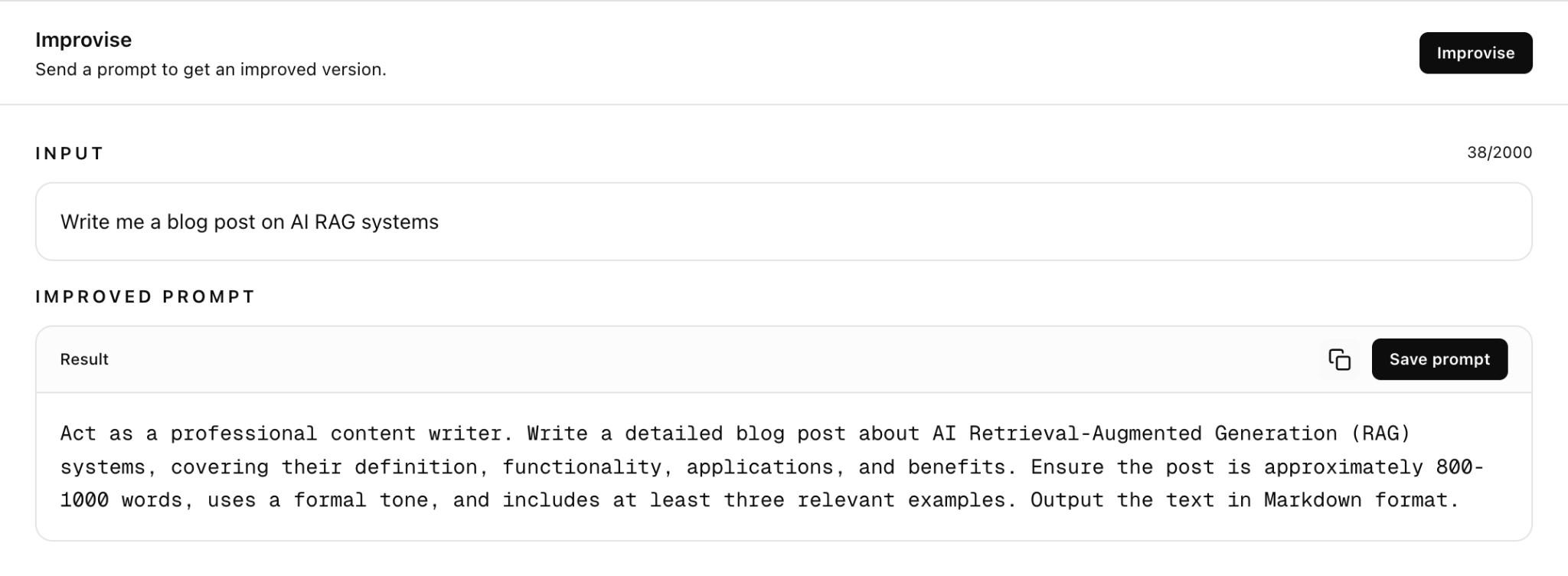
(1) Input Your Baseline: Simply paste the prompt you want to strengthen—no complex instructions or "prompting the prompter" required.
(2) Automated Optimization: The system analyzes your text to identify gaps, strengthens the logic, and builds in necessary context and guardrails entirely on its own.
(3) Review the Refinement: You’re presented with a high-performance candidate that you can review, tweak, or reject; your library remains untouched until you decide to commit.
(4) Version or Verify: Once satisfied, save the result as a fresh version in your history or immediately jump into the Compare view to see exactly how the AI elevated your original draft.
Pro Tip: For the best results, use Improvise as a final safety check to catch edge cases you might have missed during manual editing.